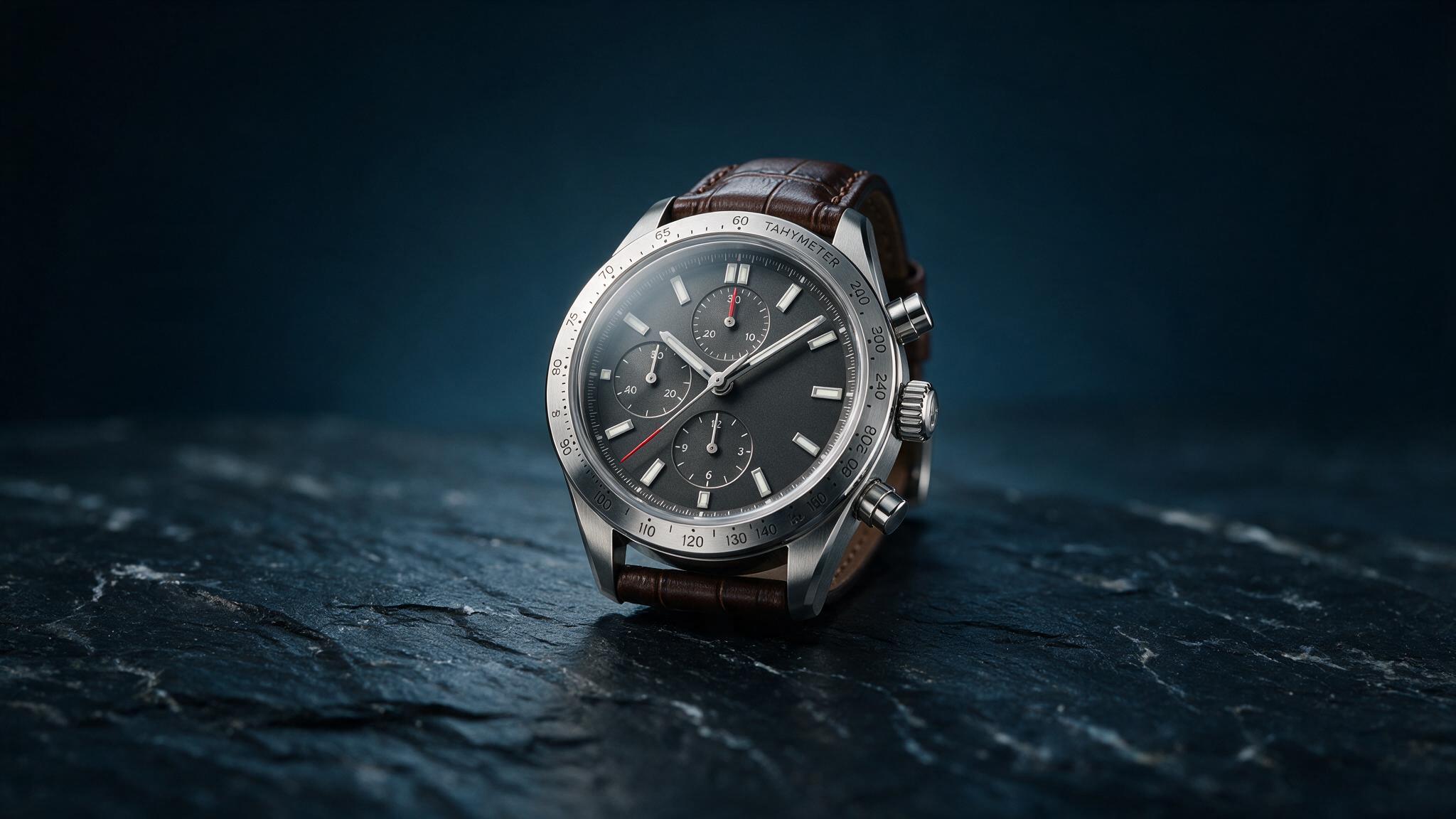
PRODUCT
Commercial product imagery
Control material, light, camera language, and background.
Create product shots, campaigns, illustrations, and visual concepts with candidates and version history built into the workflow.
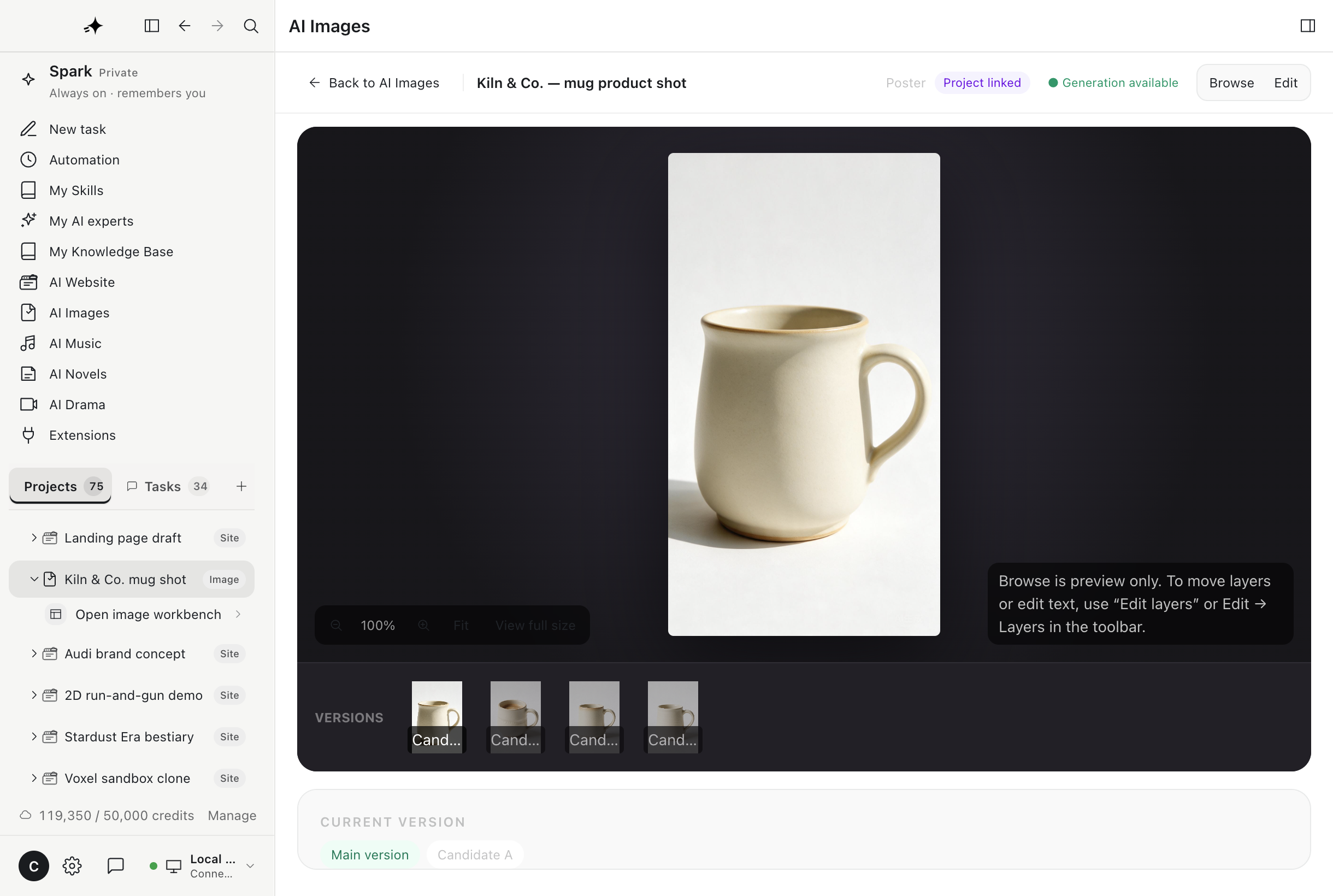
Made with AI Images
Start with a sentence, a reference, or an existing image. Keep the strongest candidate and continue from there.
Control material, light, camera language, and background.
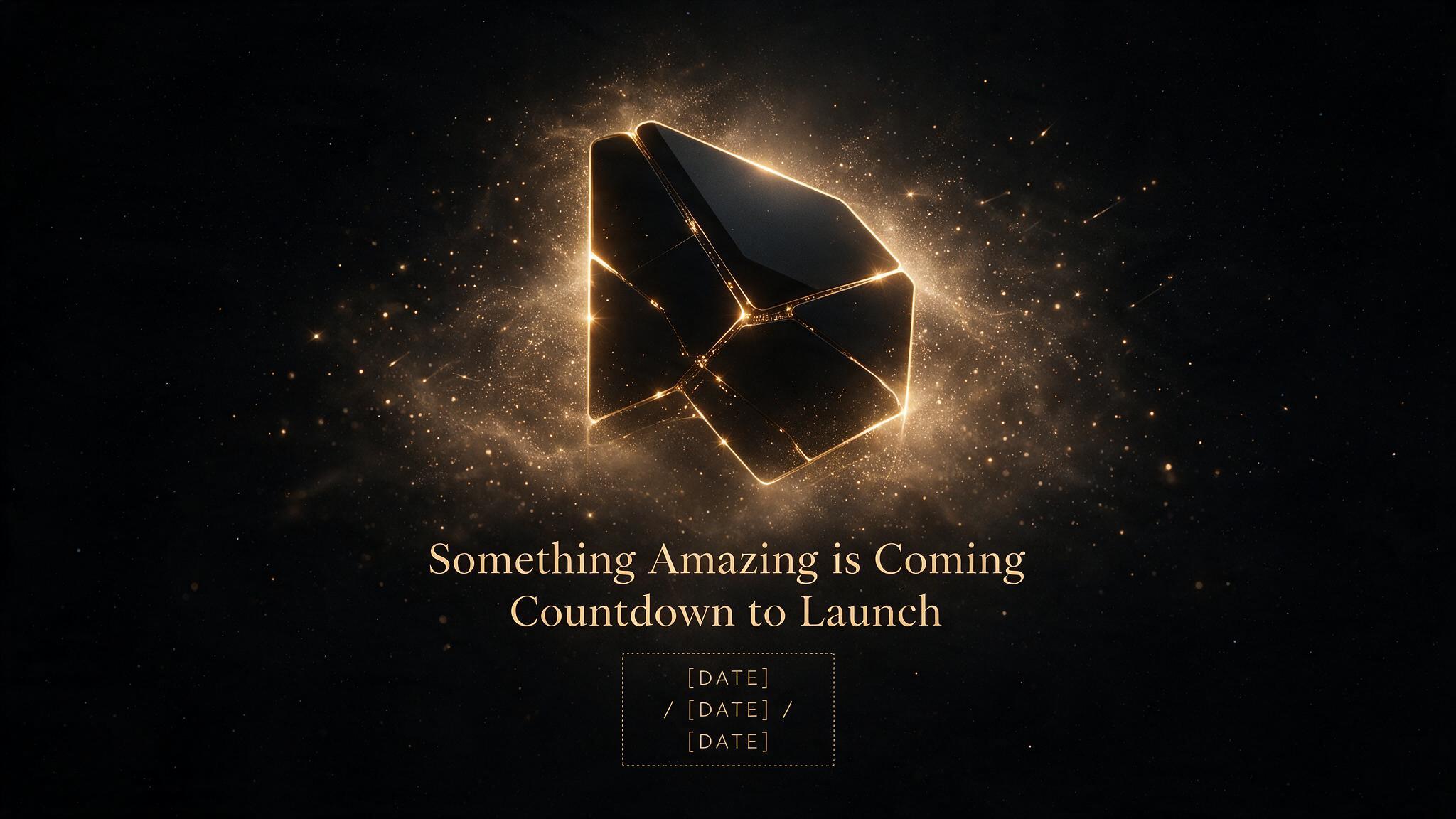
Build a visual direction, then generate a coherent set.
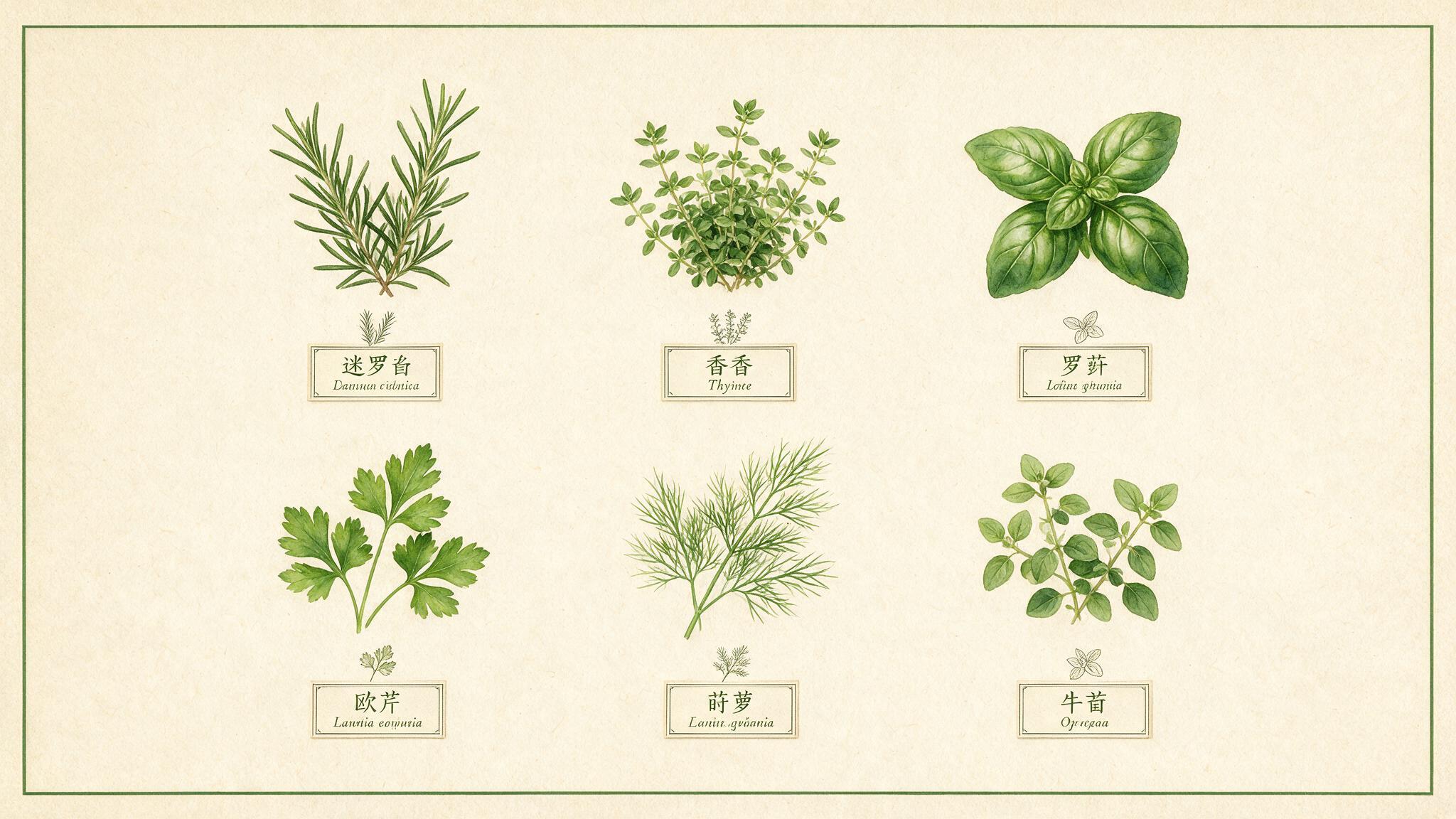
Move between photographic and illustrative visual systems.
Creative loop
Describe the subject, use, style, composition, and constraints.
Review multiple outputs together and choose the strongest one.
Change background, lighting, objects, or style with natural language.
Originals and edits stay grouped under the same work.
Start with a use case or a rough visual direction. You can refine the prompt after the first candidates arrive.