SparkLLM
Sign in Start free

Personal AI agent workspace

Your AI agent workspace, everywhere.

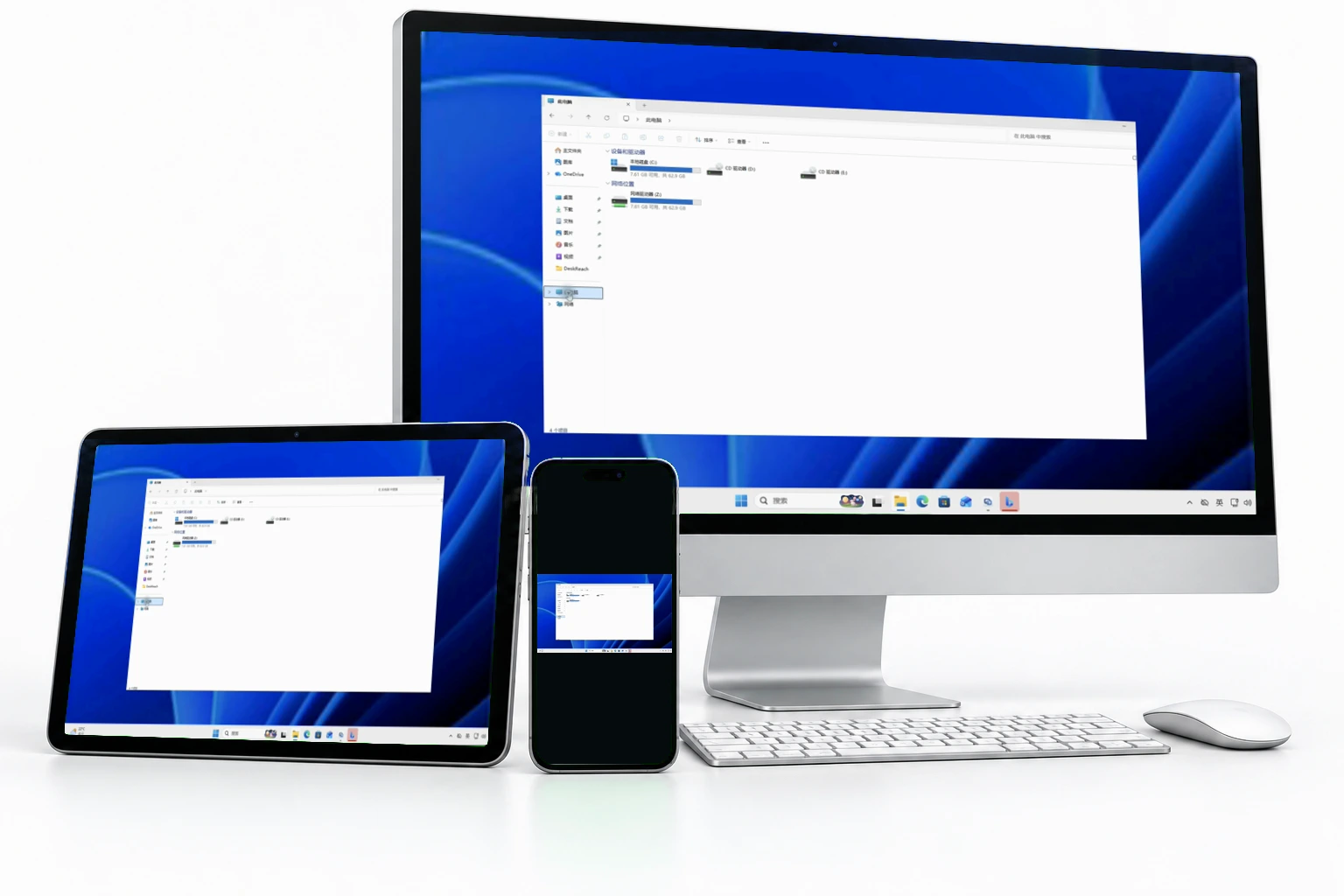
Run a powerful AI agent on your own computer, then use it from desktop, phone, or browser. Upgrade when you want an always-on cloud AI device that keeps work available after shutdown.

Free local execution. Add your own model provider. Cloud continuity when you need it.

  • Desktop agent workspace
  • Phone and web remote access
  • Cloud continuity upgrade
Desktop AI device Online
Read this research folder, compare the vendors, and draft the follow-up email.
Agent run Working on your computer
  • Scanned 18 files from /Projects/Vendor Review
  • Opened browser tabs for pricing and security docs
  • Writing comparison brief and email draft
Brief vendor-comparison.md
Email follow-up-draft.txt

Phone handoff

Approve sending the draft?
Review Approve
Cloud continuity History and files stay available when desktop is offline.

What it is

Not a chatbot. Not just a remote app.

SparkLLM is the product layer for personal AI agents: a desktop workspace where the agent can use real files and tools, a mobile and web surface to take over anywhere, and a cloud device when you want work to continue without your computer.

How it works

Three places, one agent workspace.

01 · Desktop

Run serious agent work on your computer

Use local files, repos, browser sessions, tools, and your own model provider. Your computer is the AI device, and local execution is free.

02 · Mobile and web

Take over from anywhere

Chat, send files, review results, approve actions, and check long-running tasks from your phone or browser.

03 · Cloud

Add always-on continuity

Upgrade when you want history, files, lightweight processing, and model credits available even after your computer shuts down.

Pricing

Choose your cloud and credit level.

Free lets you bring your own provider. Paid plans add an always-on cloud AI device, SparkLLM credits, storage, and higher task limits.

Free

Use your own computer

$0

For using your own computer and adding your own model provider.

  • Desktop agent workspace
  • Phone and web remote access
  • Add your own model provider or local runtime
  • Local files and tools stay on your computer
  • No SparkLLM credits included
Start free
Pro

Cloud continuity

$19/mo

For people who want an always-available cloud AI device and included model credits.

  • Always-on cloud AI device
  • Cloud files, history, and task results
  • 2,000 SparkLLM credits / month
  • PDF, web, code, and file skills in cloud
  • Auto-fallback when your computer is offline
Upgrade to Pro
Max

Heavy AI work

$99/mo

For power users who run longer tasks, use Max more often, and need more cloud capacity.

  • 10,000 SparkLLM credits / month
  • Higher Max and long-task allowance
  • Larger cloud storage and task history
  • Priority cloud capacity
  • Optional extra credit top-ups
Choose Max
Team

Shared AI workspace

$49/user/mo

For teams that want shared credits, admin controls, and a workspace for multiple people.

  • 3,000 credits / seat / month
  • Shared team credit pool
  • Members, roles, and billing controls
  • Shared cloud workspaces and files
  • Enterprise options available
Talk to sales
How credits are used Fast uses 0.5x credits, Pro uses 1x, and Max uses 4x. Actual usage depends on task size, files, tools, and output length.

What people use it for

General-purpose, but concrete from day one.

Files

Read this folder and tell me what matters.

PDFs, notes, contracts, reports, screenshots, and project folders.

Research

Research this topic and create a brief.

Browse sources, compare options, and keep the output in your workspace.

Code and tools

Inspect this repo and propose changes.

Use the desktop environment for local tools, private repos, and workflows.

Operations

Monitor sources and prepare my daily update.

Long-running work becomes natural when phone, desktop, and cloud stay connected.

Positioning

Built on agent-runtime thinking. Designed as a daily product.

For OpenClaw users

The easiest OpenClaw-style experience across desktop, mobile, web, and cloud.

For Codex and Claude Code users

A personal AI agent workspace for more than code: files, web, tools, and tasks.

For ChatGPT and DeepSeek users

An assistant that can work with your computer and tools, not just answer questions.

Start with your computer. Keep the door open to cloud.

Install the desktop workspace, sign in from phone or web, and let your agent work where your files and tools already live.

Start in the browser

Create an account, connect your computer, and return to the same workspace from any device.

Best first step

Download desktop

Turn your computer into the AI device that can use local files, tools, and your model provider.

Windows and Linux planned

Use it on phone

Chat, approve, upload files, and check progress while the work runs elsewhere.

iOS coming soon